Software
Our software, on screen
Short videos of apps we build. Each one shows a single process from start to finish.
Featured · Desktop app · 1:22
From order confirmation to a production-ready 3D frame
Frame Generator reads the unit's weight and dimensions from the order confirmation and checks bending stress and deflection between the lifting points for every UNP size. It then builds the steel base frame from templates in SOLIDWORKS, fully dimensioned. An old 2D drawing works as a starting point too. One click delivers the drawing, the cut list and an export to STEP, PDF or DWG.
Per app
Pick an app
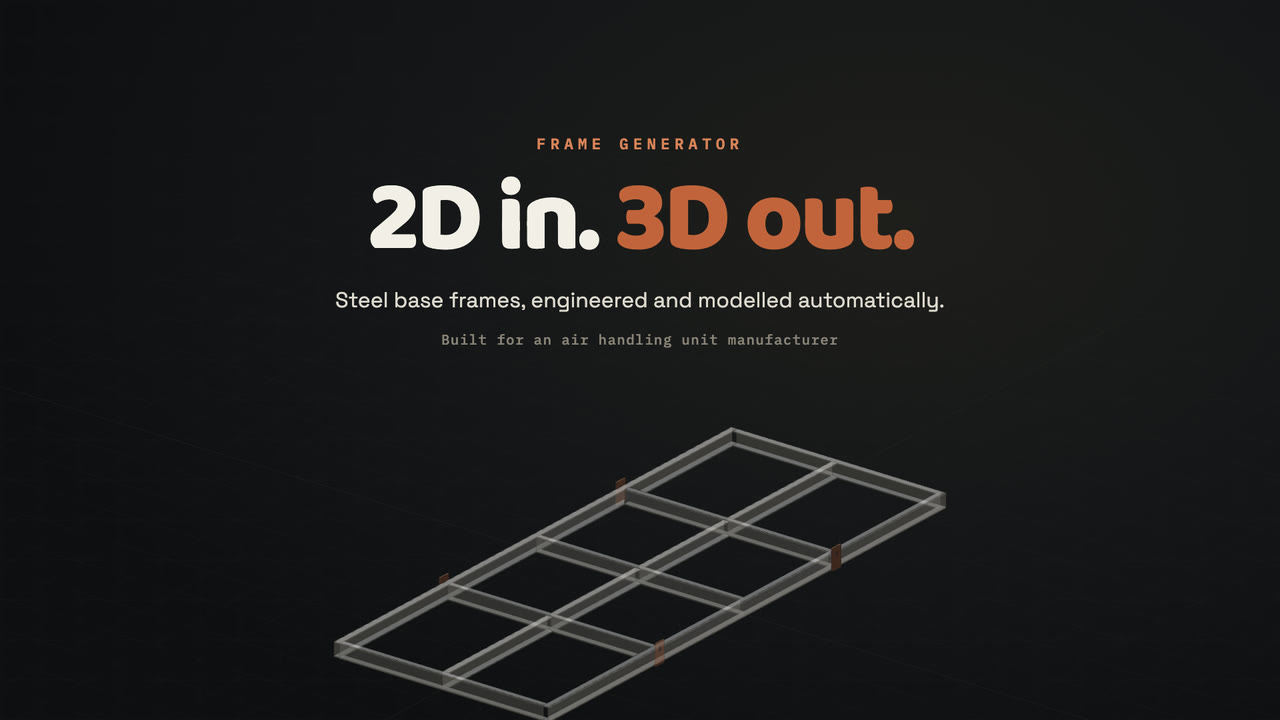
Desktop app · Engineering
Order confirmation or old 2D drawing in; a calculated 3D frame in SOLIDWORKS out.
Length 1:22
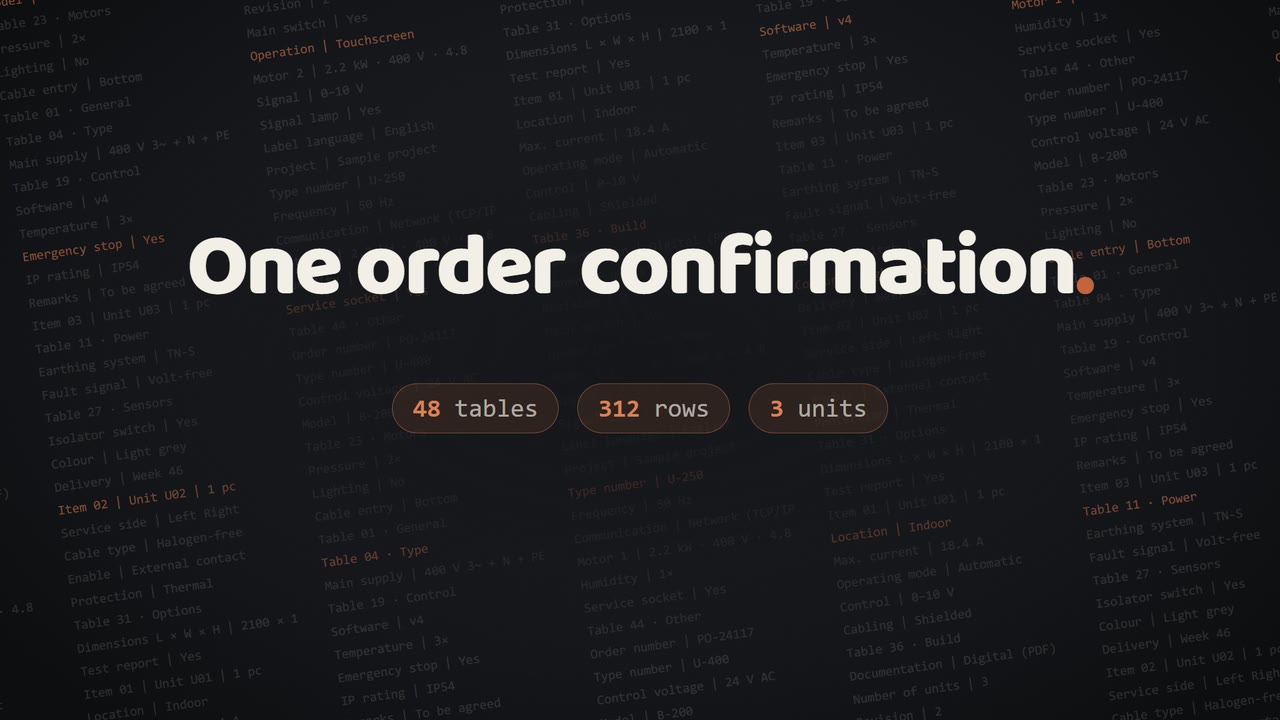
Desktop app · Order processing
Order confirmation in; wiring list, labels, configuration and schematic out.
Length 0:25
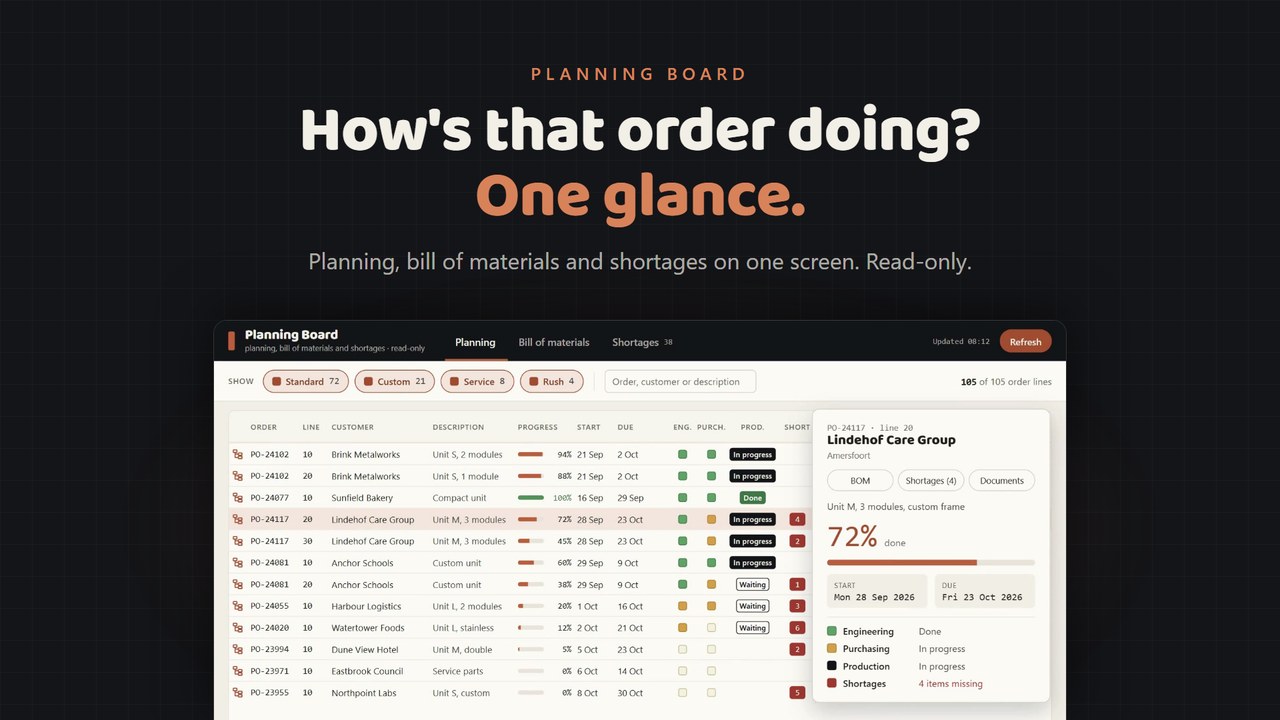
Desktop app · Production planning
Planning, bill of materials and shortages per order line, read-only.
Length 0:24
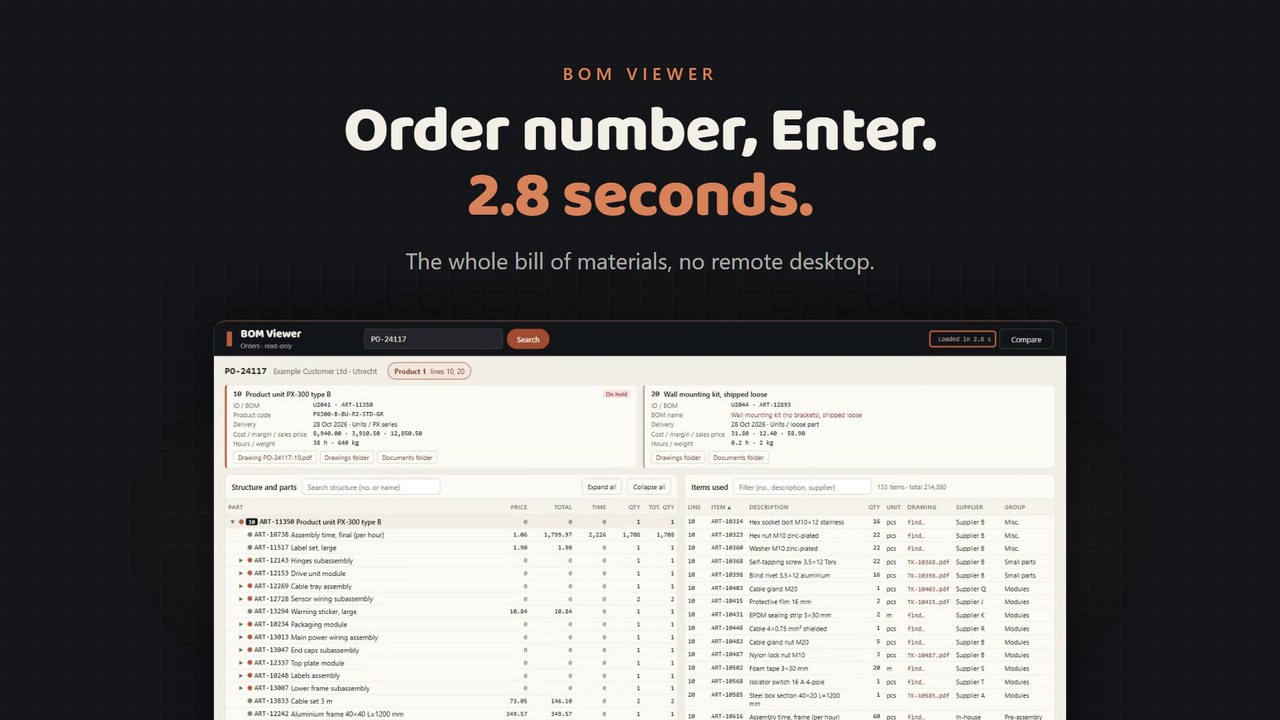
Desktop app · Work preparation
Type an order number, press Enter, and the whole bill of materials is there.
Length 0:22
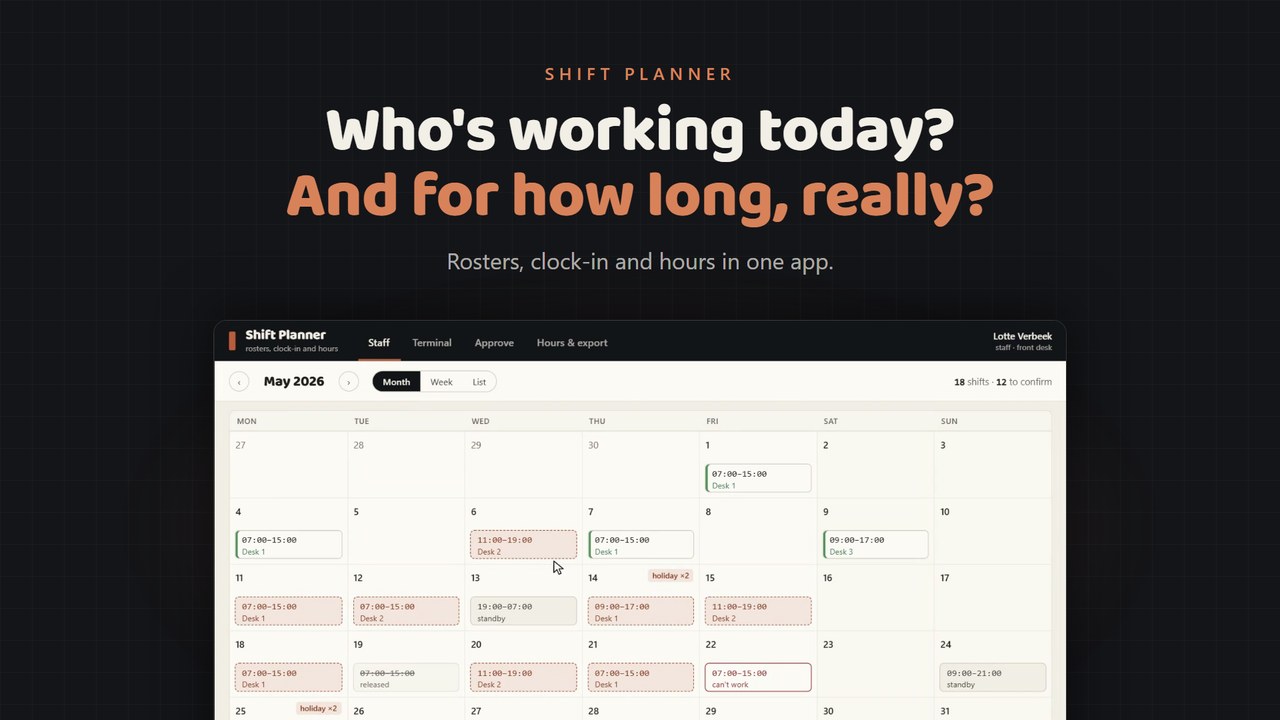
Web app · Staff scheduling
Confirm shifts, clock in with a PIN, approve and export hours.
Length 0:24
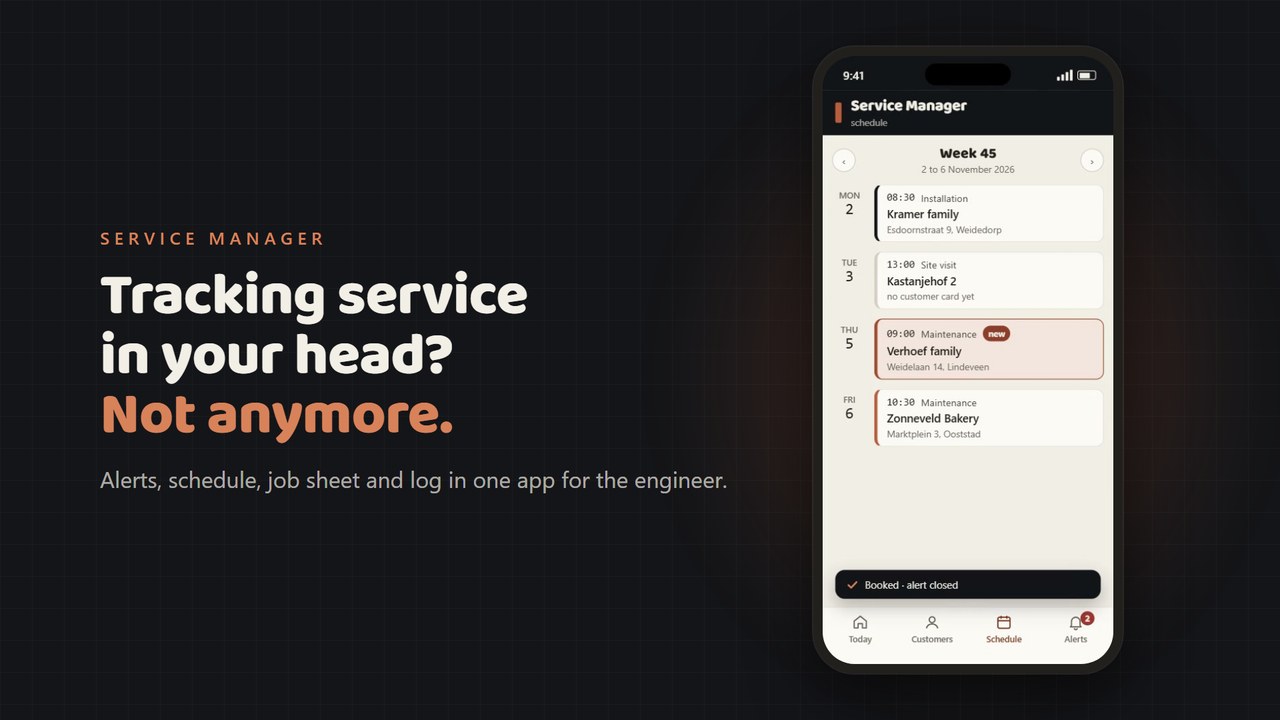
Mobile · Installation and maintenance
Maintenance alert, appointment, work order and log in one app for the engineer.
Length 0:26
- Sample data
No client data. Names, orders and items in the videos are made up.
- Short
One process per video. Chapters take you straight to the step you want.
- Works without sound
Every step is spelled out on screen, so the video works with the sound off.
Want an app like this for your own process?
In a pilot you see the design and a demo first, the price after.